One Device to Rule Them All
Laptops, tablets, and smartphones have changed the world through their unique ability to allow vast amounts of information to be accessed from small devices in a convenient and (sometimes) intuitive manner. These devices have also been the source of much frustration because, even though all of humanity's combined knowledge might be only a click away, it's often quite challenging to get that content off the device and into an AV delivery system that supports real productivity.
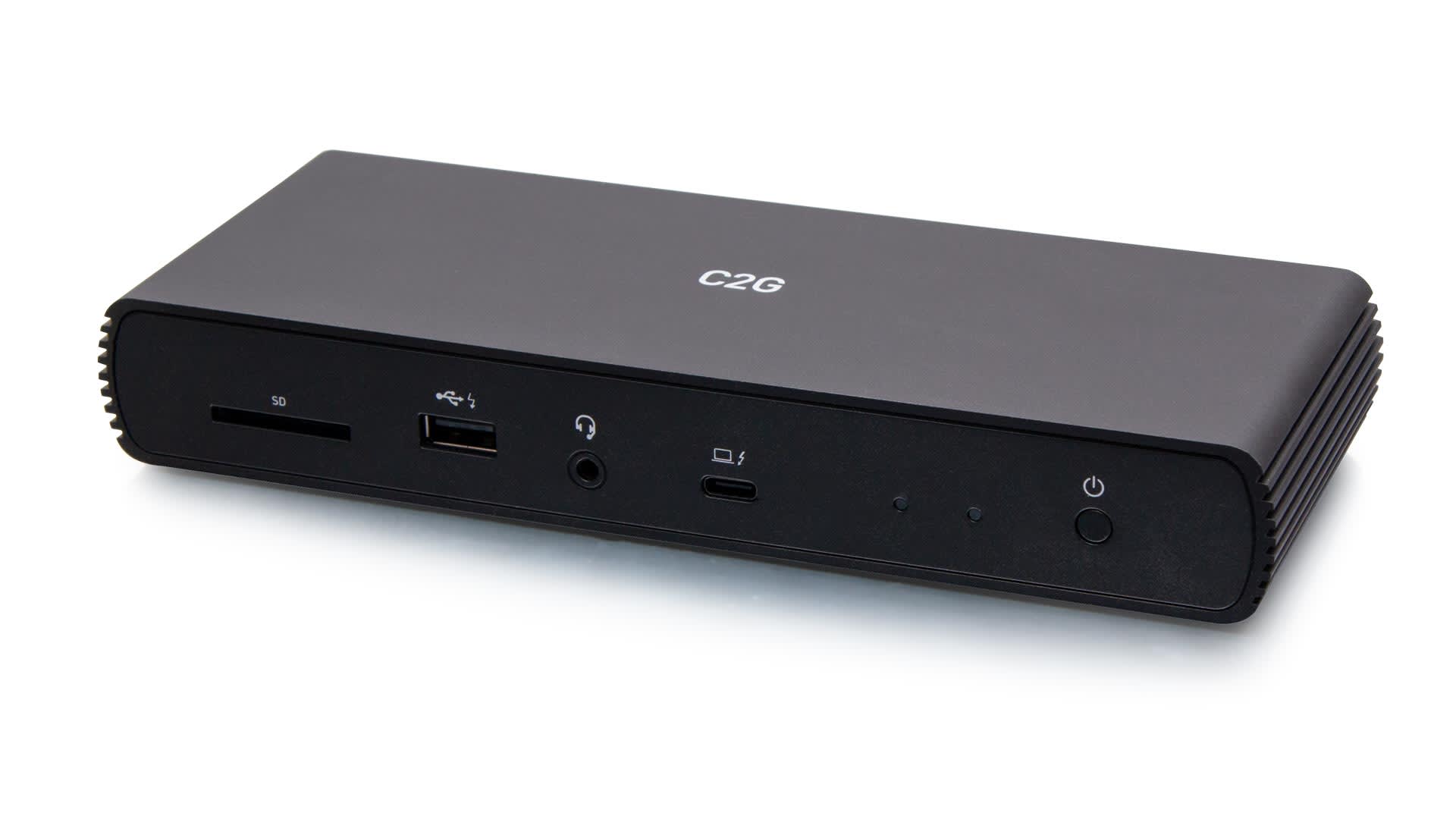
Laptops have recently been transitioning from proprietary dock ports to USB-C ports, increasing the need for universal docking stations, especially in our work-from-home environment. Universal docking stations were created to turn a computer's USB port into a unique interface. A dock, connected to your laptop computer by a single USB cable, may support multiple video displays, multi-channel audio, gigabit connectivity to the LAN, and a plethora of peripherals. Dual displays, in particular, have been shown to increase productivity with easier access to multiple programs at once. The 28845 and 54439 docking stations are beneficial with this capability. Connecting directly to a network rather than through Wi-Fi may require company security. Many laptops do not offer a wired port.
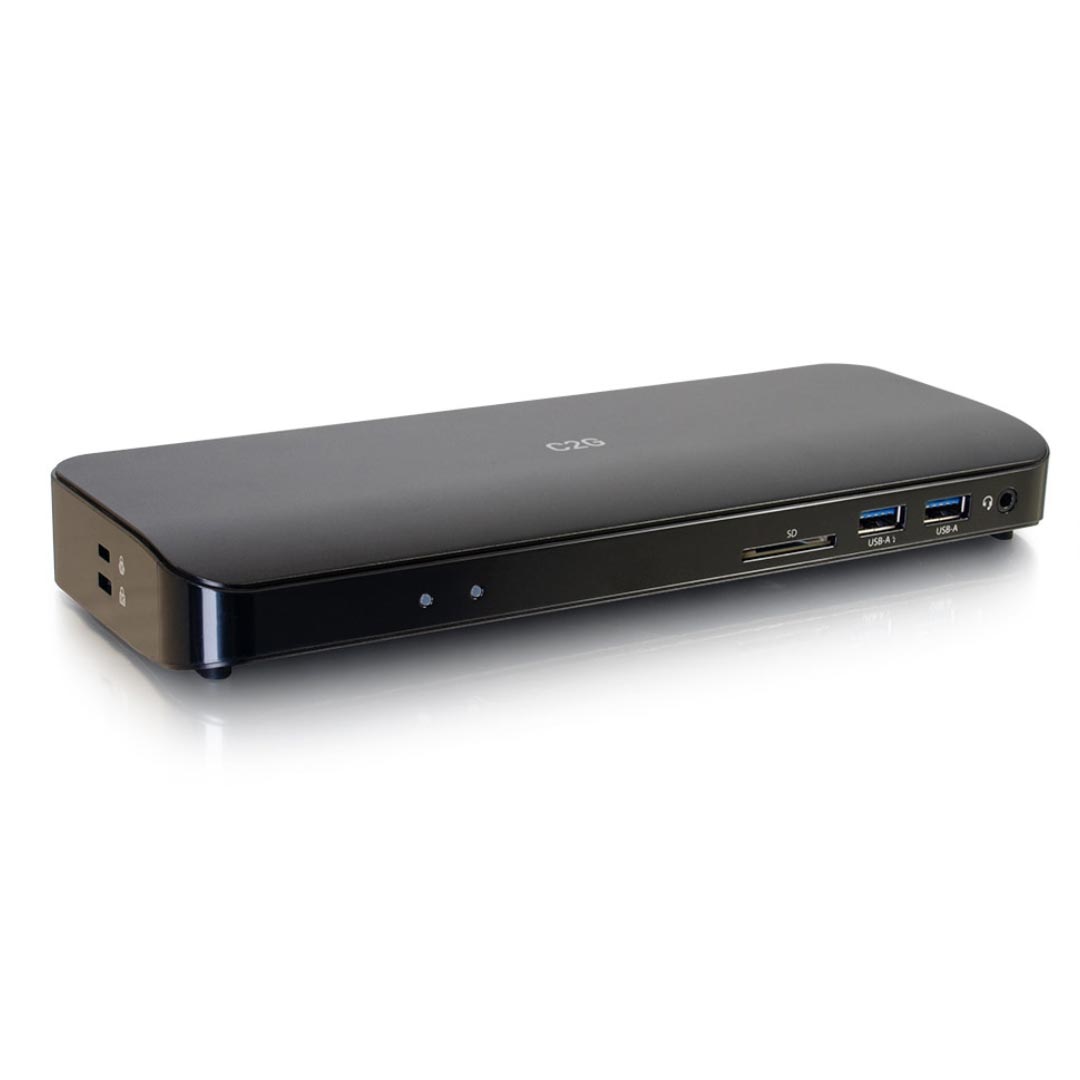

Some docking stations are operating-system agnostic, while others only work inside a specific family group. They may relieve us from the worry of finding ever-longer cables to connect our chosen device by providing a clear demarcation point, but they also bring compatibility problems. These problems include but are not limited to the hub or dock supporting the same charging method, the same power management standard, or how and which data can pass through to another device. Docking stations simplify these issues.
At its core, the docking station is a physical multimedia gateway that bridges portable and installed technology. A contemporary docking station is an interface where network LAN, AV, and peripheral device connectivity occurs, charging power is delivered, and signals are transposed to desired formats, routed, and distributed. The docking station is a powerful and vital element of any good AV design.
Selecting the right docking station for your application can be difficult for such an essential piece of gear. Technology's been changing in fits and starts for an eternity. USB 2.0 was released in 2000 and ruled the roost until USB 3.0 made its appearance in late 2008. The challenge is that these formats didn't enjoy widespread application in the AV community until the proliferation of desktop conferencing and streaming media reached critical mass in 2010 and beyond. High-performance AV applications for docking solutions have been playing catch-up ever since. The ensuing decade saw the demand for ever greater transfer speeds bring us USB 3.1 Gen 1, then USB 3.1 Gen 2, and Thunderbolt 3.0. Soon we'll be calling all of this USB 4.0. This alphabet soup of USB formats is empowered and enabled by a new physical connection optimized for next-generation data and AV demands. USB Type-C is here, and it will profoundly change the nature of docking systems.
Legrand University Course
What's Up, Dock?
Legrand University Course
Optimizing Desktop AV for Productivity

C2G Product Overview
Docking Station