5 AV Challenges Every Modern Campus Is Trying to Solve
Higher education AV teams face growing pressure to support hybrid learning, flexible spaces, and tighter budgets. Here’s how leading campuses are tackling the five most common challenges.
Walk across a university campus today and it’s clear: the role of AV has changed. Classrooms that once served a single purpose now need to support in-person instruction, live-streamed lectures, asynchronous recording, and remote participation, oftentimes simultaneously. AV/IT managers are navigating a new set of demands that didn’t exist five years ago, with infrastructure that often predates them.
The good news is that the challenges showing up on campuses across the country are largely the same. And there are proven approaches for each one.
1: Hybrid Classrooms That Actually Work for Everyone in the Room
The most common complaint from faculty isn’t about the technology, it’s about the experience. Remote students can’t see the board. In-room students can’t hear the remote participants. The camera is pointed at the ceiling. Hybrid instruction fails not because the AV doesn’t exist, but because it wasn’t designed around the actual flow of a class.
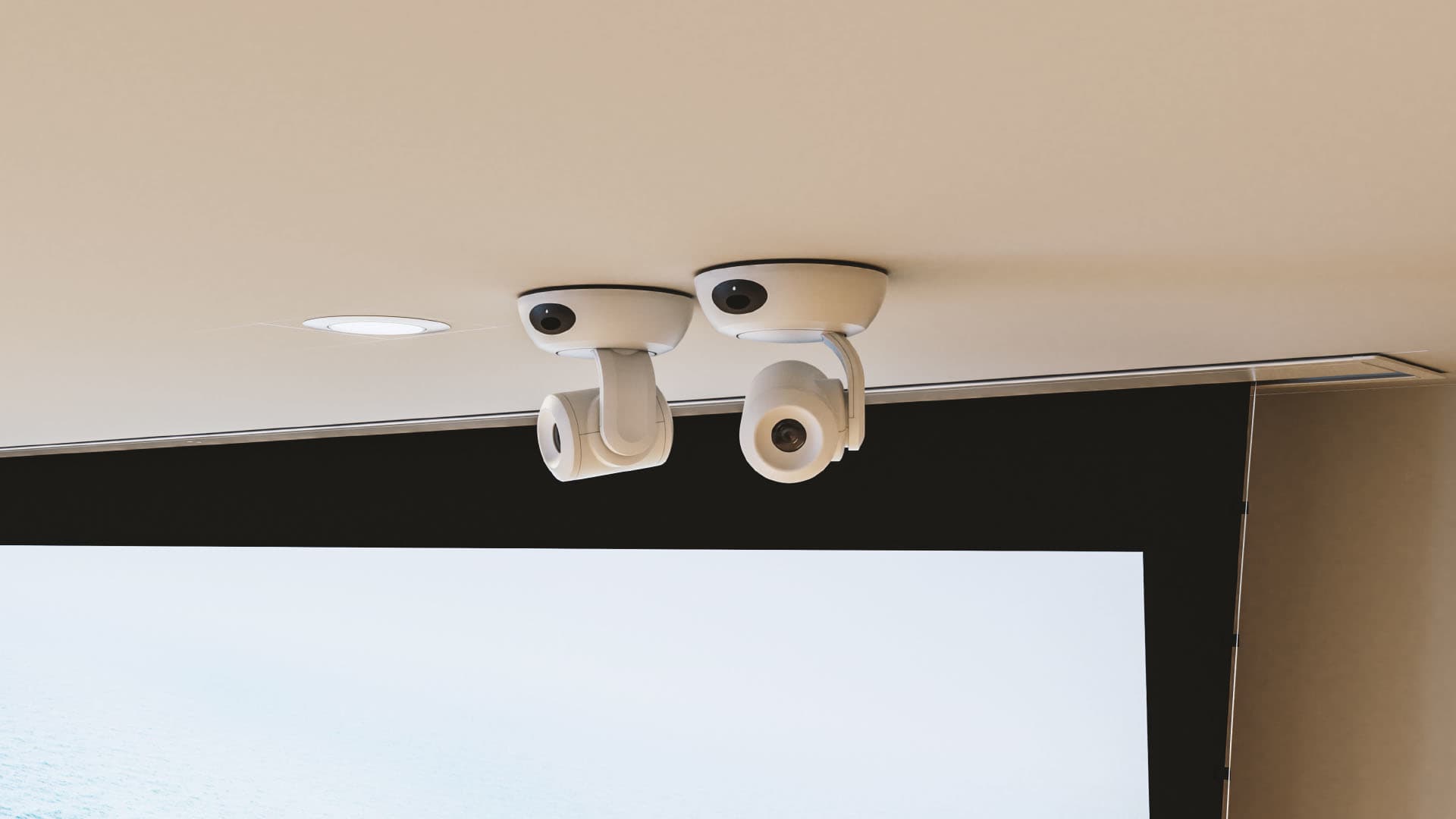
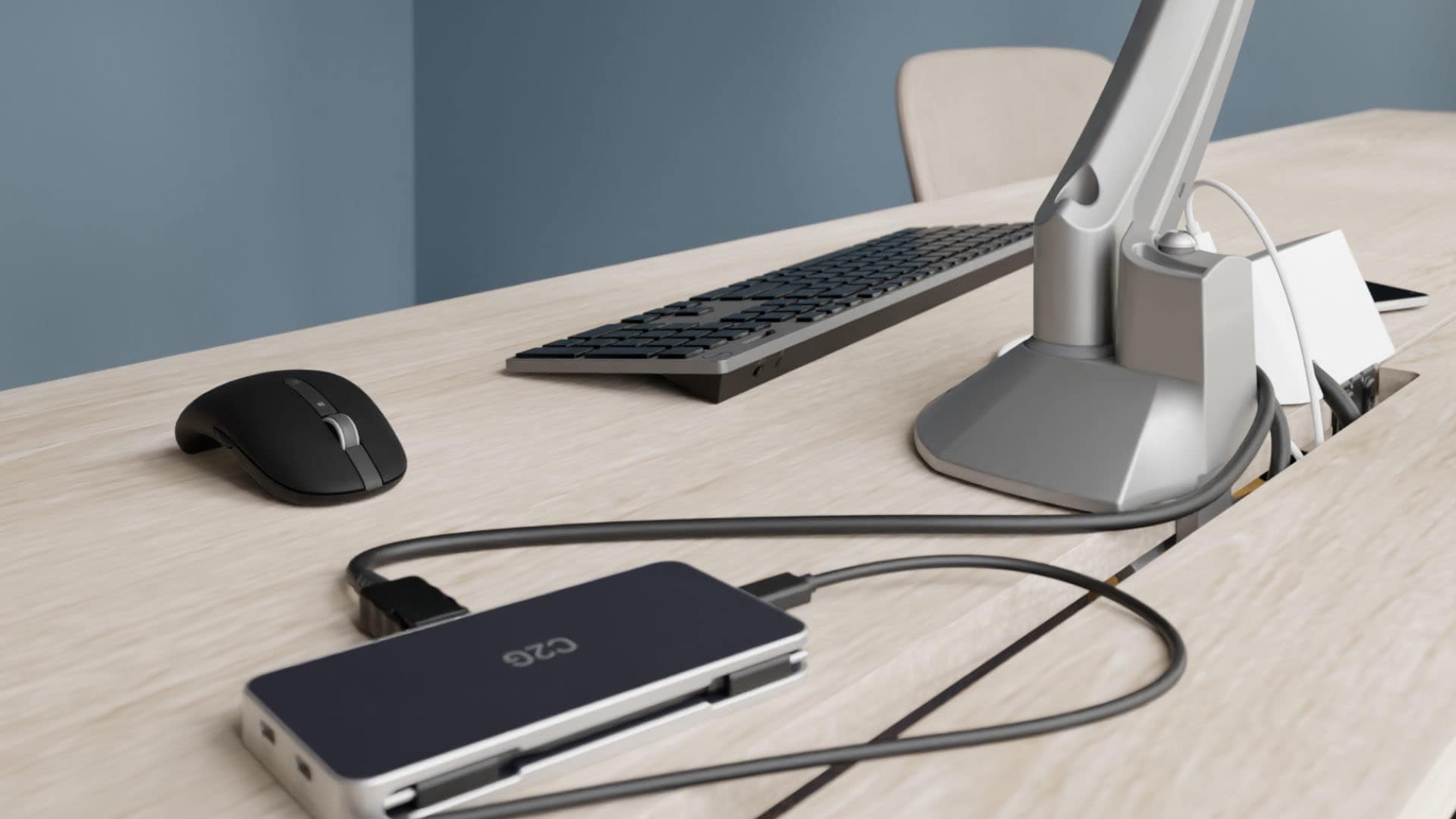
The fix isn’t more equipment; it’s the right placement and integration. PTZ cameras with auto-tracking allow instructors to move naturally without a dedicated operator. Ceiling microphone arrays capture room audio cleanly without requiring students to lean toward a conference bar. Displays positioned for both in-room and camera sightlines ensure remote participants see what they need to see.
Vaddio’s EasyIP camera systems are a common specification in higher education hybrid classrooms precisely because they’re built for AV-over-IP deployment over standard network infrastructure, which simplifies multi-camera setups without requiring a dedicated video network. When the system is designed around the room’s actual use patterns, the technology disappears into the background, which is exactly what good AV should do.
2: Display Mounting in Spaces That Weren’t Built for AV
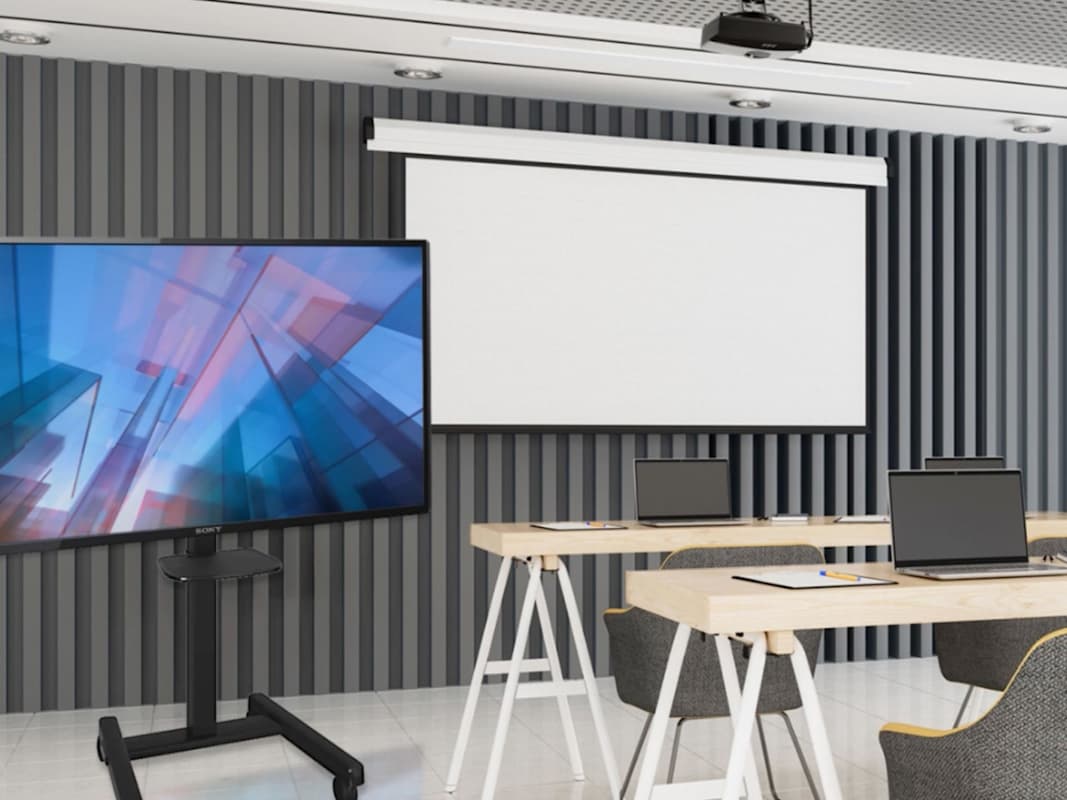
Not every classroom on a legacy campus has structural backing, wall clearance, or ceiling height to accommodate modern display installations. Renovated spaces, historic buildings, and open-concept learning environments all present constraints that can stop an AV project before it starts.
Freestanding and floor-supported mounting solutions have become a practical answer for spaces where permanent wall or ceiling mounting isn’t possible or isn’t cost-effective. The Forum Floor Support Mount, for example, was designed with exactly this use case in mind: installer-friendly components that adapt to the space rather than requiring the space to adapt to them.
The specification decision matters here. A mount that installs cleanly in a standard classroom may be entirely wrong for a tiered lecture hall, an informal collaboration zone, or a glass-walled conference room. Chief's MountFinder™ tool can help technology managers and integrators identify the right mounting solution based on display manufacturer and model number.
3: Network Infrastructure That Can’t Keep Up with AV Demand
AV-over-IP is no longer a future-forward conversation, it’s the operational reality on most new installations. But campus networks weren’t always built with AV traffic in mind. Bandwidth bottlenecks, inconsistent switch configurations, and legacy wireless infrastructure can all undermine an otherwise well-designed AV system.
The solution isn’t always a full network overhaul. In many cases, it’s ensuring that the AV network is properly segmented, that managed switches are configured to handle the quality-of-service requirements of video traffic, and that wireless coverage in learning spaces is adequate for the devices being used.
Luxul’s professional-grade networking solutions are built specifically for AV environments, designed to simplify deployment and reduce the configuration complexity that often derails campus IT teams. For campus-wide AV network planning, a structured approach that maps device density, traffic types, and coverage requirements against existing infrastructure is a worthwhile investment before specifying any endpoint.
4: Cable Management in High-Traffic, High-Visibility Spaces
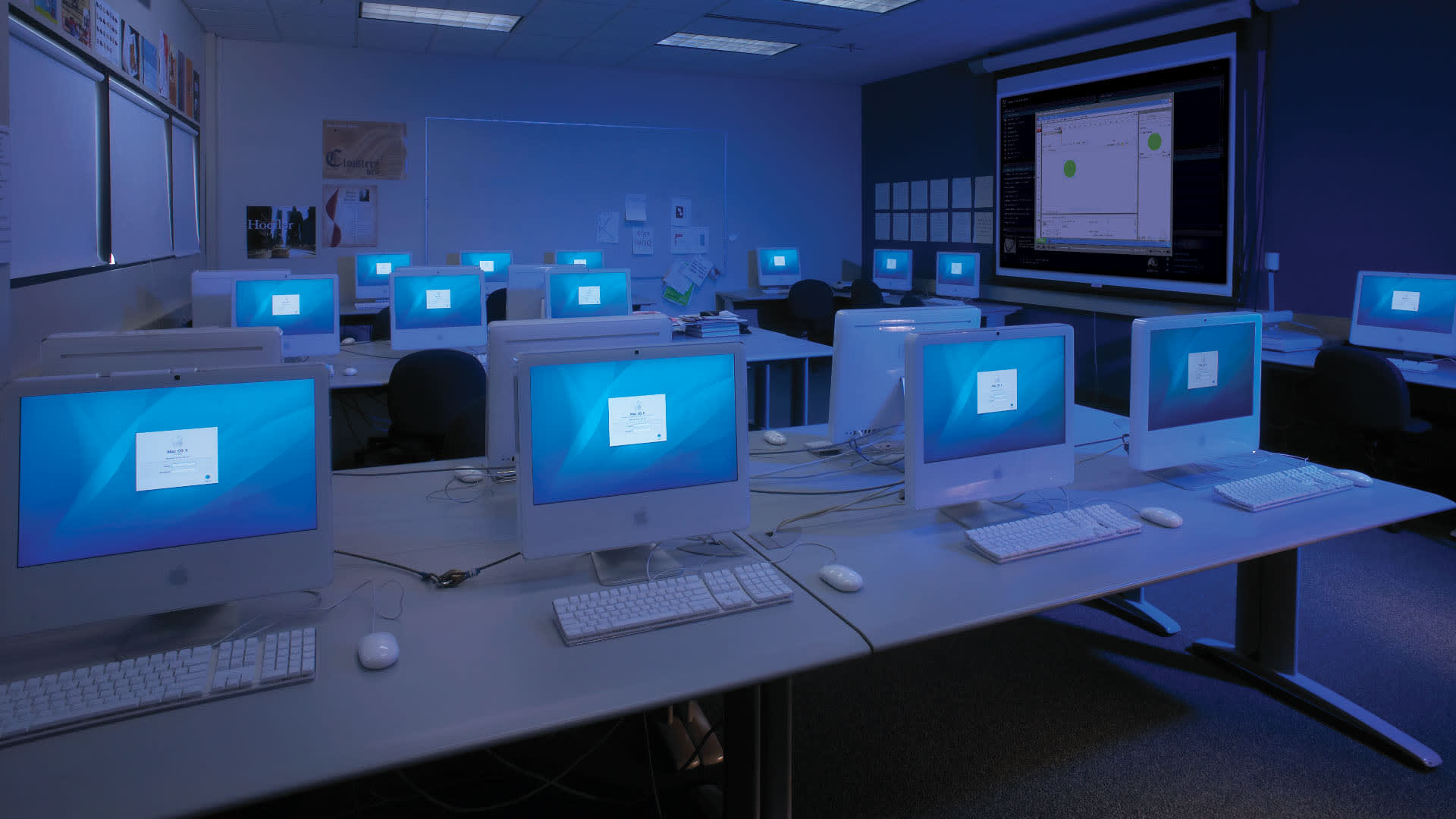
In a laboratory, a cable that runs along a baseboard is a safety hazard. In a university library or an administrative building, exposed cabling is an aesthetic problem that facilities managers hear about immediately. In a high-use classroom, cables that aren’t properly managed are cables that get damaged, disconnected, or tripped over.
Cable management is one of the most underspecified elements of a campus AV installation, and one of the most visible when it’s done wrong. The right approach depends on the space: surface-mounted raceway for retrofit installs, in-floor solutions for open learning environments, furniture-integrated pathways for collaborative spaces, and poke-thru or floor box solutions for fixed workstations and podiums.
Wiremold’s cable management portfolio covers all of these scenarios, from raceway and in-floor systems to furniture power and floor boxes, with solutions that meet commercial code requirements and hold up in the demanding, high-traffic environments that define campus life.
5: Keeping Connectivity Simple for Faculty and Students
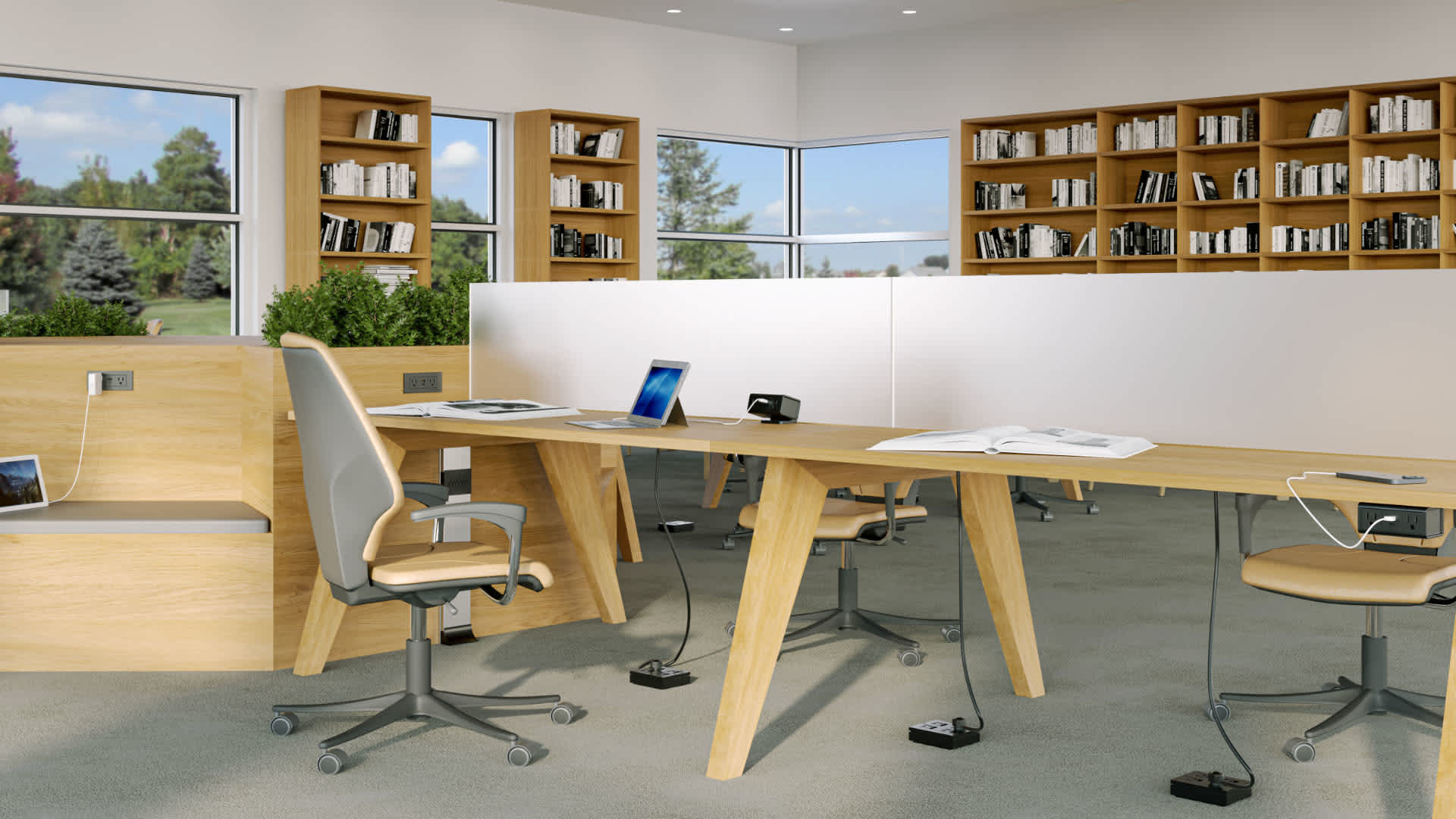
The most sophisticated AV system on campus will be ignored if faculty can’t figure out how to connect to it in the first two minutes of class. BYOD expectations have made connectivity a daily friction point: students and instructors arrive with a mix of USB-C, HDMI, DisplayPort, and wireless devices, and they expect everything to just work.
The answer is rarely a single connection standard, it’s building flexibility into the podium, the table, and the wall plate. That means providing reliable adapters and active connectivity solutions that handle signal conversion without requiring a support call, and ensuring that the connectivity infrastructure is robust enough to handle the variety of devices that will be brought into the room.
C2G’s end-to-end connectivity solutions are designed for exactly this environment: high-performance cables, adapters, and active connectivity hardware that support the full range of protocols in use across a modern campus. This includes USB-C, HDMI, and network patching. When connectivity is reliable and intuitive, it stops being a conversation and starts being infrastructure.
Building a Campus That’s Ready for What Comes Next
No two campuses are identical, but the underlying challenges are consistent: learning environments need to support more use cases, serve more device types, and perform reliably at scale, without requiring a full-time AV support staff in every building.
The campuses that are getting this right aren’t doing it with a single product or a single vendor. They’re approaching it as an infrastructure problem: specifying mounting, connectivity, networking, cable management, and display technology as a system, not as a collection of individual purchases.
Legrand | AV’s portfolio supports every layer of that system, from C2G connectivity and Wiremold cable pathways to Chief mounting, Luxul networking, and Vaddio PTZ cameras, all giving campus AV teams and their integration partners the flexibility to spec the right solution for each space, backed by consistent support across the full installation.
Ready to spec your next higher education AV project?
Explore Legrand | AV’s higher education solutions at legrandav.com, or use the Chief MountFinder to start with the right mounting solution for your space.
Related Blog
Creating Learning Spaces for Higher Education
How Legrand | AV Uses a Complete Infrastructure Technology Suite to Deliver Amazing AV Experiences for Students in Person and Online